
Premium templates are often misunderstood. Some designers see them as shortcuts that weaken originality, while some clients assume that a template means generic work. In reality, a premium template is not the finished design. It is a production foundation. When used intelligently, templates can reduce repetitive setup, accelerate early prototyping, and give teams more time for strategy, content, refinement, and client-specific customization.
Fast-paced projects rarely fail because the designer used a good starting point. They fail because the team wastes time rebuilding common structures from zero, makes rushed layout decisions, or spends too much energy on technical preparation instead of solving the business problem. A strong template can protect quality under pressure, but only when the designer treats it as raw material rather than a final answer.

Why Templates Have a Bad Reputation
Templates have a bad reputation because they are often used badly. A weak designer may download a template, replace the logo, change a few colors, and deliver it as finished work. That approach does create generic results. It also makes clients feel that they paid for something they could have bought themselves.
But that is not the only way templates work. In professional workflows, templates function like design infrastructure. They provide structure, spacing systems, component ideas, responsive patterns, and production-ready file organization. The value comes from how the designer adapts them.
Templates become a problem when they are:
- Used without understanding the client brief
- Delivered with minimal customization
- Chosen for visual trendiness instead of strategic fit
- Filled with weak copy or irrelevant imagery
- Left with original placeholder structure
- Used without checking licensing terms
- Treated as a finished product instead of a foundation
Templates become powerful when they are used to remove repetitive work and accelerate better decisions.
The Real ROI of Premium Templates
ROI is not only about saving money. It is about improving the relationship between time, quality, speed, and outcome. A premium template can create ROI by reducing setup time, lowering production risk, and allowing the team to test more directions before committing.
For agencies, this matters because time is the most limited resource. If a team spends eight hours building a basic presentation structure, dashboard wireframe, or landing page layout from scratch, those hours are not available for research, messaging, conversion strategy, or client consultation.
Premium templates can improve ROI by helping teams:
- Start faster
- Avoid blank-page delays
- Standardize layout quality
- Reduce technical setup
- Present concepts earlier
- Reuse proven structure
- Improve deadline reliability
- Focus more on client-specific decisions

The key is to measure the template against the time it saves and the quality it protects. A 70-dollar template that saves ten hours of work can be a strong investment if it is used professionally.
Templates as Rapid Prototyping Tools
One of the best uses of premium templates is rapid prototyping. At the beginning of a project, teams need to explore structure, hierarchy, user flow, and content priorities. They do not always need pixel-perfect custom design immediately. A template can provide a fast visual framework for discussion.
For example, a SaaS landing page template may help a team compare hero layouts, pricing sections, testimonial placement, feature blocks, and call-to-action flow. A presentation template may help a team test narrative sequence before custom visuals are built. A dashboard UI kit may help product teams validate information architecture before refining the final interface.
Templates support prototyping because they help teams:
- Visualize ideas quickly
- Test layout hierarchy
- Compare multiple directions
- Present early options to stakeholders
- Identify missing content
- Detect weak flows
- Reduce abstract discussion
A prototype does not need to be final. It needs to make decisions easier.
When Templates Make Agile Workflows Better
Agile workflows depend on iteration. Teams need to produce, review, adjust, and improve quickly. Templates fit this rhythm when they are used as reusable systems. Instead of designing every page, slide, or campaign asset independently, teams can build from a controlled foundation and adapt based on feedback.
In fast-moving marketing or product environments, this is especially useful. A launch campaign may need multiple landing pages, ad visuals, email graphics, social posts, sales slides, and blog images. Templates help keep that system consistent while allowing variations.
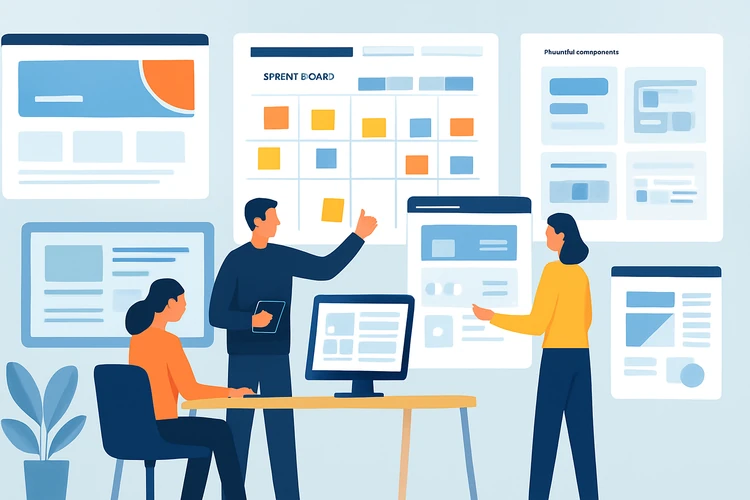
Templates improve agile design by providing:
- Reusable components
- Repeatable section structures
- Faster revision cycles
- Consistent design language
- Easier version control
- Faster stakeholder review
- More time for experimentation
The team still needs design judgment. The template simply reduces friction.
Choosing the Right Template
Not every premium template is worth using. Some templates look beautiful in marketplace previews but fail in real projects. They may have poor file organization, weak mobile layouts, inaccessible colors, hard-to-edit components, or unrealistic placeholder content. A good template should be evaluated like a production tool, not a decorative product.
Before buying or using a template, check:
- Is the structure relevant to the project?
- Are the files well organized?
- Are components reusable?
- Is the typography system clean?
- Does it include responsive layouts?
- Are colors and styles easy to customize?
- Does the license fit client or commercial use?
- Is the template too trend-specific?
- Will it support real content lengths?
A template with strong structure but simple visuals may be more useful than a visually impressive file that is difficult to adapt.
Customization Is Where the Value Happens
The designer’s work begins after choosing the template. Customization is not just changing colors. It means transforming the foundation into something aligned with the client’s positioning, audience, product, and goals.
Good customization includes:
- Rewriting the content structure around the client’s message
- Replacing generic imagery with relevant visuals
- Adjusting hierarchy for conversion or usability
- Modifying components to match brand guidelines
- Removing unnecessary sections
- Creating new sections where the template is incomplete
- Checking accessibility and responsiveness
- Rebuilding weak parts instead of forcing them to fit
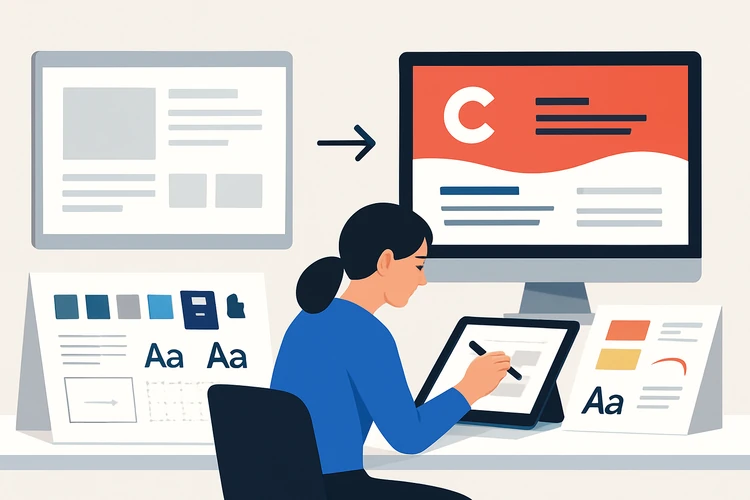
A template should disappear into the final work. The client should see a solution, not the marketplace file.
Avoiding the Generic Look
A template looks generic when the original structure remains too visible. This often happens when the designer keeps the same hero layout, same section order, same icon style, same image treatment, and same copy rhythm. To avoid this, designers need to identify which parts should stay and which parts must change.
To avoid generic results:
- Change the information hierarchy
- Replace placeholder copy completely
- Adjust spacing to match content density
- Modify component shapes and interaction states
- Use custom imagery or carefully curated visuals
- Create brand-specific icon or illustration direction
- Remove sections that do not support the goal
- Add original case studies, data, or proof points
The goal is not to hide that a template was used. The goal is to ensure the final design solves a specific problem.
Licensing and Client Transparency
Templates must be used within their license terms. Some templates allow client work. Some restrict resale. Some require extended licenses if the template becomes part of a product that customers buy. Some may not allow redistribution of editable source files. Designers need to understand this before delivery.
This matters because client handoff can create legal risk. If the client receives the editable template source and later reuses it in ways the license does not allow, the agency may face uncomfortable questions.
Before using a template, confirm:
- Commercial use is allowed
- Client work is allowed
- Source file transfer is permitted
- Resale or product use is permitted if relevant
- Font and image licenses are included or separate
- Attribution is not required unless acceptable
- The number of users or projects is not restricted

Professional use of templates includes documentation. Save the receipt, license terms, source link, and project where it was used.
How to Present Template-Based Work to Clients
The way agencies talk about templates matters. Clients do not need to hear that the work is cheap or prebuilt. They need to understand that the agency uses proven foundations to reduce unnecessary production time and focus the budget where it matters most.
A strong explanation might be: “We use premium production frameworks where appropriate to speed up prototyping and keep more project time focused on strategy, content, customization, and final polish.”
This positions templates as efficiency tools, not substitutes for expertise.
When presenting template-assisted work, focus on:
- Strategic adaptation
- Time saved
- Custom sections added
- Brand alignment
- Improved deadline reliability
- Cost efficiency
- Final deliverable quality
The client is paying for the outcome, judgment, and customization, not merely the starting file.
When Not to Use Templates
Templates are not always appropriate. Some projects require fully custom systems, especially when the brand is highly distinctive, the interface is complex, or the design must become a proprietary product asset. Templates can also be risky when the client needs exclusivity.
Avoid templates when:
- The client requires a unique visual identity
- The design will become a resale product
- The interface has complex custom logic
- The template license is unclear
- The brand needs strong differentiation
- The template structure conflicts with the strategy
- Custom development constraints require a different approach
A professional designer knows when templates help and when they limit the project.
Building an Internal Template Library
Agencies can maximize template ROI by building an internal library of approved templates, UI kits, slide systems, mockups, and production files. This prevents teams from buying random assets under deadline pressure and helps maintain quality.
An internal library should include:
- Approved templates by project type
- License records
- Notes on best use cases
- File quality ratings
- Customization examples
- Common issues
- Preferred fonts and asset sources
- Version history
Final Thoughts
Premium templates do not automatically dilute design quality. Poor use of templates does. When templates are treated as finished designs, they create generic work. When they are treated as foundations, they can support faster prototyping, better agile workflows, stronger consistency, and higher project ROI.
The best designers do not fear templates. They know how to judge, adapt, customize, and improve them. In fast-paced projects, that skill can be the difference between rushed work and professional delivery. A template is not the value. The value is the designer’s ability to turn a strong starting point into a specific, polished, client-ready solution.